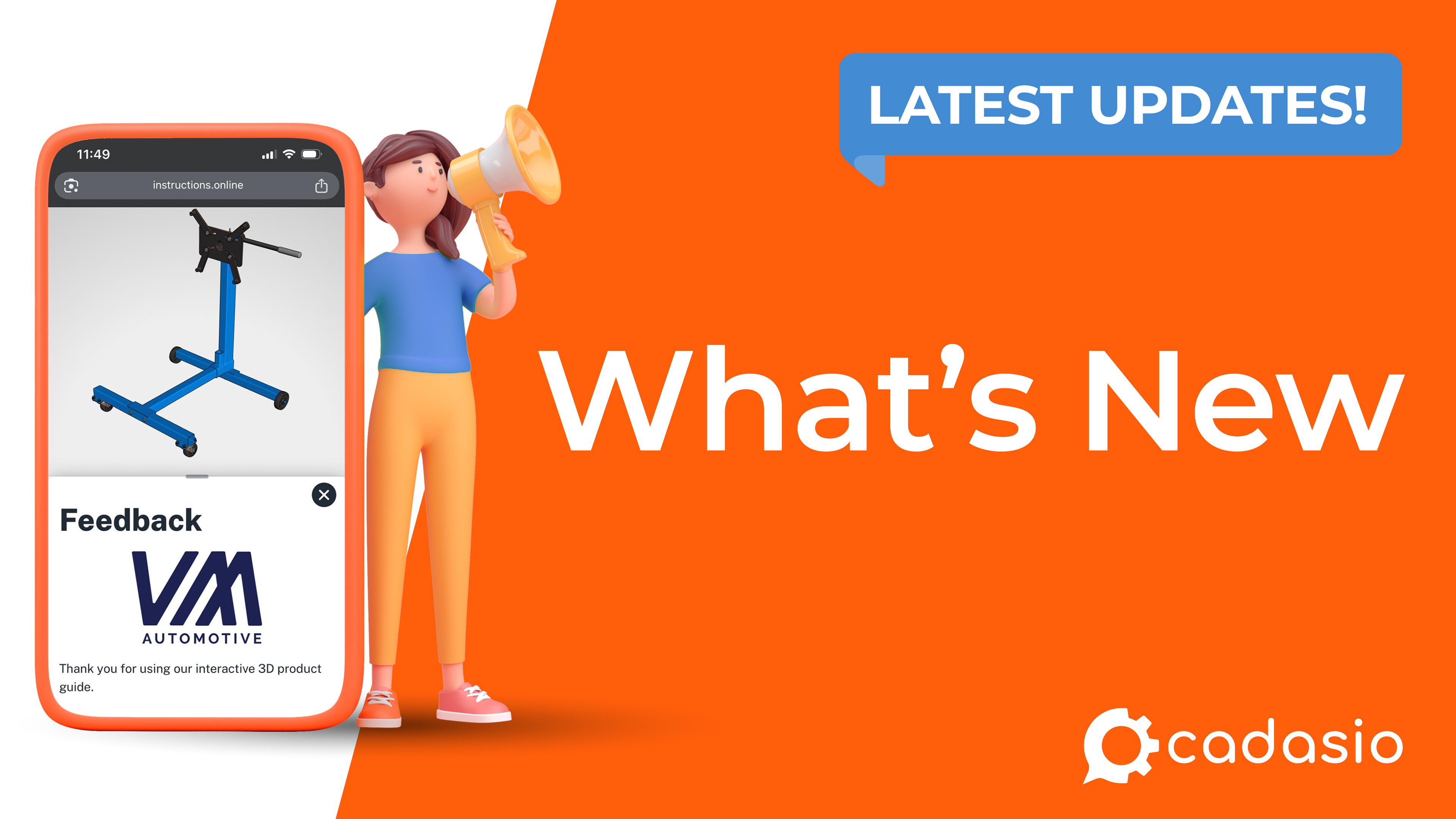
These additions focus on helping technical authors, engineers, manufacturers, and training teams deliver clearer information while reducing repetitive work and creating more engaging user experiences.
Whether you're producing assembly instructions, service procedures, training guides, inspection documentation, or product support material, these new capabilities provide additional ways to communicate information exactly where it's needed.
Dimensions for Interactive 3D Presentations
The new Dimensions tool allows measurement annotations to be added directly to interactive 3D presentations.
A wide range of dimension types are supported, including linear, angular, diameter, radius, edge-to-edge, and centre-to-centre measurements. Once placed, every dimension can be customised with different colours, arrow styles, text formatting, alignment options, and positioning controls to match your documentation requirements.
Dimensions can also display custom text instead of measured values, allowing them to be used for labels, manufacturing notes, clearance information, or inspection references.
By placing dimensions directly inside the interactive 3D environment, users no longer need to switch between CAD drawings and work instructions to understand critical measurements. This makes the feature particularly valuable for manufacturing, quality control, installation, and service documentation.
Introducing Forms
Forms add an entirely new level of interaction to Cadasio presentations.
Using the visual drag-and-drop form builder, it's easy to create professional forms containing text, images, information cards, text inputs, dropdown lists, switches, numeric fields, and many other controls.
Forms can be used simply to present information, such as safety notices, prerequisites, or assembly guidance, but they also allow information to be collected from viewers.
Typical applications include:
- Safety acknowledgements
- Quality inspections
- Operator sign-off
- Maintenance reports
- Installation checklists
- Customer feedback
- Training confirmation
Completed forms can be emailed automatically, allowing information collected in the field to be incorporated into existing business processes.
Forms can also be linked together, making it possible to build guided workflows that present information and collect responses over multiple stages of a project.
Step Panels for Rich Contextual Information
Technical documentation often requires more than just a 3D view.
The new Step Panels feature allows additional content to be attached directly to individual steps within a presentation.
Each panel can contain:
- Images
- PDF documents
- Videos
- Checklists
- Forms
- Tables
- Rich text
Because every step has its own independent panel, authors can present exactly the right supporting information at exactly the right moment.
For example, one assembly step might include a short instructional video, while the next contains a quality checklist or a detailed engineering drawing.
Rather than forcing users to open external documents or search through manuals, Step Panels keep all relevant information together within a single interactive experience.
Dynamic Documentation with Properties
Properties make Cadasio documentation significantly smarter and easier to maintain.
Instead of manually entering project names, revision numbers, order numbers, customer information, serial numbers, or other repeated values throughout a project, these details can now be defined once as properties and reused automatically.
Properties can be inserted into:
- 3D presentation overlays
- Forms
- Toolbox text
- 2D layouts
- Document templates
When project information changes, the updated values are reflected wherever those properties are used, helping eliminate manual editing while improving consistency across documentation.
This becomes particularly valuable for organisations producing families of similar products or maintaining large volumes of technical documentation, where small changes would otherwise require updates in multiple locations.
Designed to Work Together
Although each feature provides value on its own, they're designed to work together.
Properties can automatically populate Forms with project information. Forms can be displayed inside Step Panels. Step Panels can accompany dimensioned 3D models, while Layouts can reuse the same project data to generate consistent PDF documentation.
The result is a much more connected documentation workflow, allowing authors to build richer technical publications from a single source of information while reducing duplication and maintenance effort.
Learn More
These four additions represent another significant step forward for the Cadasio platform, giving authors more ways to create clear, engaging, and interactive technical documentation.
This article provides only a high-level overview of each feature. We have also published dedicated videos that explore every capability in much greater detail, demonstrating how each feature works and sharing practical examples of how they can be incorporated into your own projects.
We hope you enjoy the new functionality, and we're excited to see how our users put these new tools to work. As always, we're continuing to develop Cadasio and look forward to bringing you even more powerful features in future releases.