Can it create exploded views? Can it create assembly instructions? Can it generate technical illustrations?
Those questions are important, but they do not get to the heart of the difference between the two platforms.
Both SOLIDWORKS Composer and Cadasio can produce traditional documentation assets. Both can use engineering data to communicate product information. Both can be used to create assembly procedures, service documentation and visual instructions.
The more interesting comparison is how those outputs are created, maintained and delivered.
For many years, Composer has been a standard tool within technical publishing workflows. It allows technical authors to create illustrations, exploded views and animations directly from CAD data rather than recreating content manually. This represented a significant improvement over traditional illustration workflows and remains one of Composer's biggest strengths.
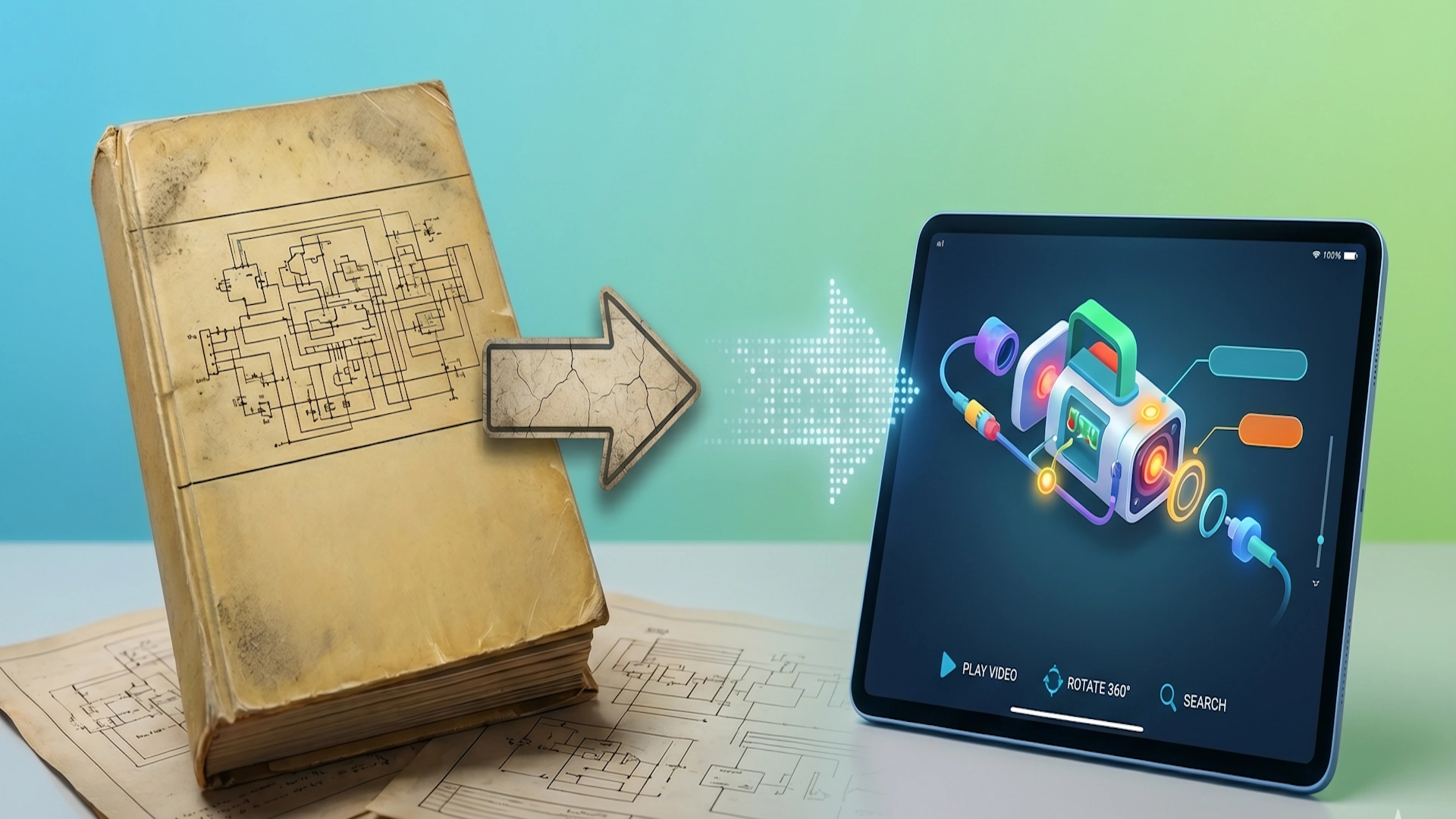
However, Composer was developed during a period when documentation was still largely considered a finished deliverable.
The objective was to create assets that could be distributed to users. Typically these assets would be exported and assembled into PDFs, manuals, training documents or other forms of published content.
Many organisations still follow a workflow that looks something like this:
CAD Model → Composer → Export Images and Assets → Word, InDesign or FrameMaker → PDF
There is nothing inherently wrong with this process. It works, and many companies continue to use it successfully.
The challenge appears when products become more complex and documentation requirements expand.
Every illustration becomes another asset to maintain. Every engineering change creates additional review work. Every update requires coordination between multiple tools and potentially multiple teams.
Technical authors know this problem well.
A small engineering change can trigger a surprisingly large documentation update. A fastener changes length. A bracket moves position. A cable route is revised. The modification may be straightforward within CAD, yet dozens of illustrations, callouts and document pages may need to be reviewed.
As product portfolios grow, documentation maintenance becomes a significant part of the workload.
This is where Cadasio takes a fundamentally different approach.
Rather than focusing exclusively on generating assets, Cadasio is designed around maintaining a single source of documentation truth that can be delivered in multiple formats.
One of the most common misconceptions about Cadasio is that it only produces interactive content.
In reality, Cadasio can create many of the same documentation outputs that technical authors expect from traditional publishing workflows.
Interactive assembly instructions are only part of the story.
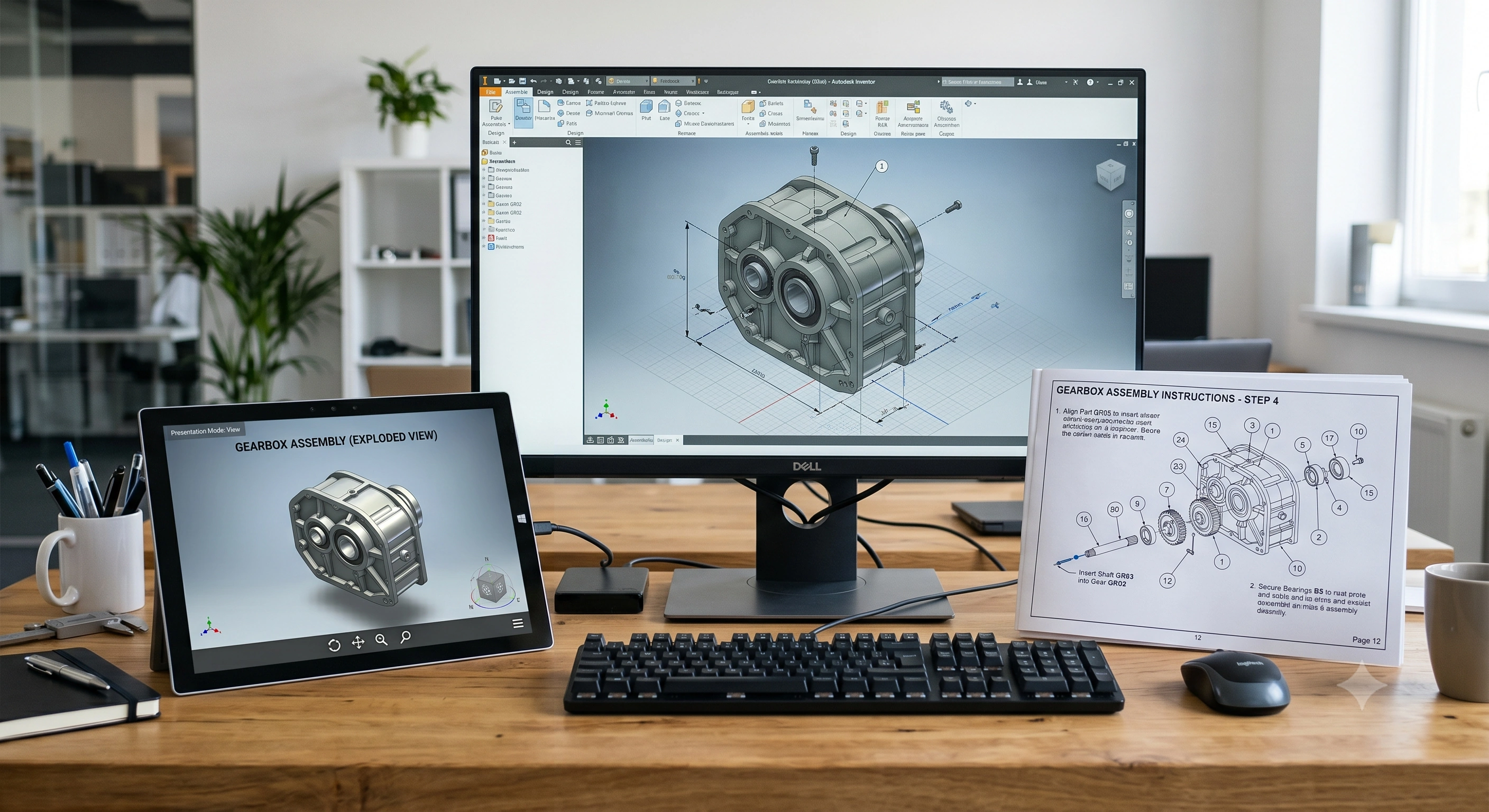
Using Cadasio's Layout feature, technical authors can create structured documentation pages directly within the platform. These layouts can be used to generate professional PDF documentation, work instructions, assembly guides and service procedures.
The important distinction is that both the interactive experience and the traditional document originate from the same project.
A technical author is not maintaining one project for interactive content and another project for printed documentation.
The same source data can be used to produce:
• Interactive 3D assembly instructions
• Browser-based service procedures
• Training content
• Technical work instructions
• Printable PDF documentation
• QR-code-linked support resources
This has significant implications for maintenance and revision control.
Consider a product update that affects an assembly procedure.
Within a traditional workflow, multiple exported assets may require updating. Illustrations may need to be regenerated. Documents may need to be republished. Supporting materials may need to be reviewed individually.
Within Cadasio, the technical author is working from a unified project. The interactive instructions and the document layouts are connected to the same underlying content.
The benefit is not simply convenience. It reduces duplication.
Technical authors spend less time managing outputs and more time improving communication.
This distinction becomes increasingly valuable when documentation serves multiple audiences.
A manufacturing operator may require a printed work instruction.
A service technician may prefer an interactive procedure on a tablet.
A customer may access a QR-code-linked assembly guide.
Traditionally, supporting all three audiences often requires multiple documentation workflows.
Cadasio allows organisations to support these requirements from a single environment.
For engineering teams, there is another advantage.
The engineering model contains significantly more information than any static document can communicate. Interactive experiences preserve much more of that information than exported images alone.
Users can rotate assemblies, inspect components and understand relationships between parts without requiring dozens of supplementary illustrations.
At the same time, organisations retain the ability to generate traditional documentation whenever it is required.
This is why comparing Composer and Cadasio purely on asset creation misses the bigger picture.
Composer is excellent at generating technical communication assets from CAD data.
Cadasio can also generate documentation assets, including PDF-based outputs, but it extends the workflow much further by enabling those same projects to become interactive product experiences.
The result is not a choice between interactive documentation and traditional documentation.
The result is a unified workflow where both outputs are created from the same source.
For technical authors, this reduces duplication, simplifies maintenance and improves consistency.
For manufacturers, it means documentation can be delivered in the format that best suits the audience without maintaining separate authoring pipelines.
As documentation requirements continue to evolve, the ability to generate both interactive and traditional outputs from a single source of truth may prove to be one of the most important advantages modern documentation platforms can offer.