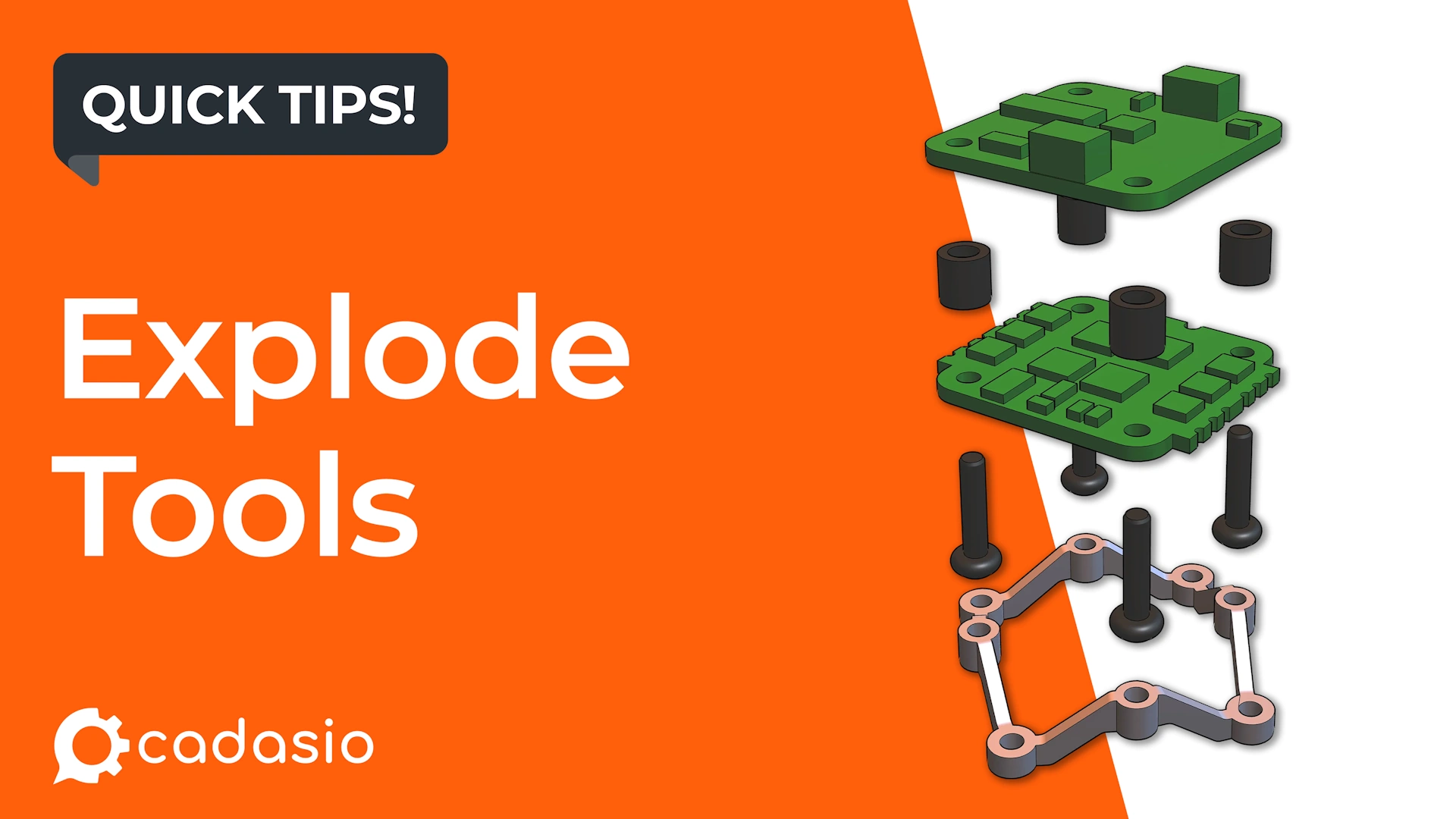
When you need to separate parts quickly, Cadasio’s Explode tool provides a fast and efficient alternative.
This guide explains how the Explode tool works and when each explode mode is most useful.
Why use the Explode tool?
Creating exploded views helps:
- Show assembly order
- Reveal internal components
- Improve clarity in instructions
- Reduce visual clutter in dense assemblies
The Explode tool automates the separation process, helping you get a clean result in seconds.
How to explode parts in Cadasio
- Select the parts you want to explode
- Open the Transform tab
- In the Arrange 3D section, choose Explode
- Select an explode mode using the buttons at the bottom of the screen
You can switch between modes before confirming the result.
Explode modes explained
Linear explode
Linear explode pulls components apart along a single axis.
The part furthest from the pull direction stays anchored, while the remaining parts are spaced evenly away from it.
Best for:
- Sequential assemblies
- Stacked components
- Bolts, plates, or parts arranged in a line
Symmetrical explode
Symmetrical explode moves parts outward in opposite directions at the same time, keeping a central part fixed.
This keeps the layout visually balanced without needing to move each side manually.
Best for:
- Balanced assemblies
- Centre-out demonstrations
- Presentations where symmetry improves readability
Spherical explode
Spherical explode pushes all selected parts outward from the centre of the selection.
This is one of the fastest ways to reveal internal components in a dense assembly.
Best for:
- Complex assemblies
- Showing internal structure
- Quickly creating overview exploded views
Fine-tuning after exploding
The Explode tool simply automates movements you could do manually. Once you accept the explode, parts behave like normal objects.
This means you can:
- Translate parts
- Rotate components
- Adjust spacing
- Refine the layout
You still have full control to achieve the exact result you want.
Faster exploded views with less effort
The Explode tool is ideal when speed matters. It gives you a strong starting point for exploded views while still allowing manual refinement.
By choosing the right explode mode for your assembly, you can create clear, professional visuals in far less time.